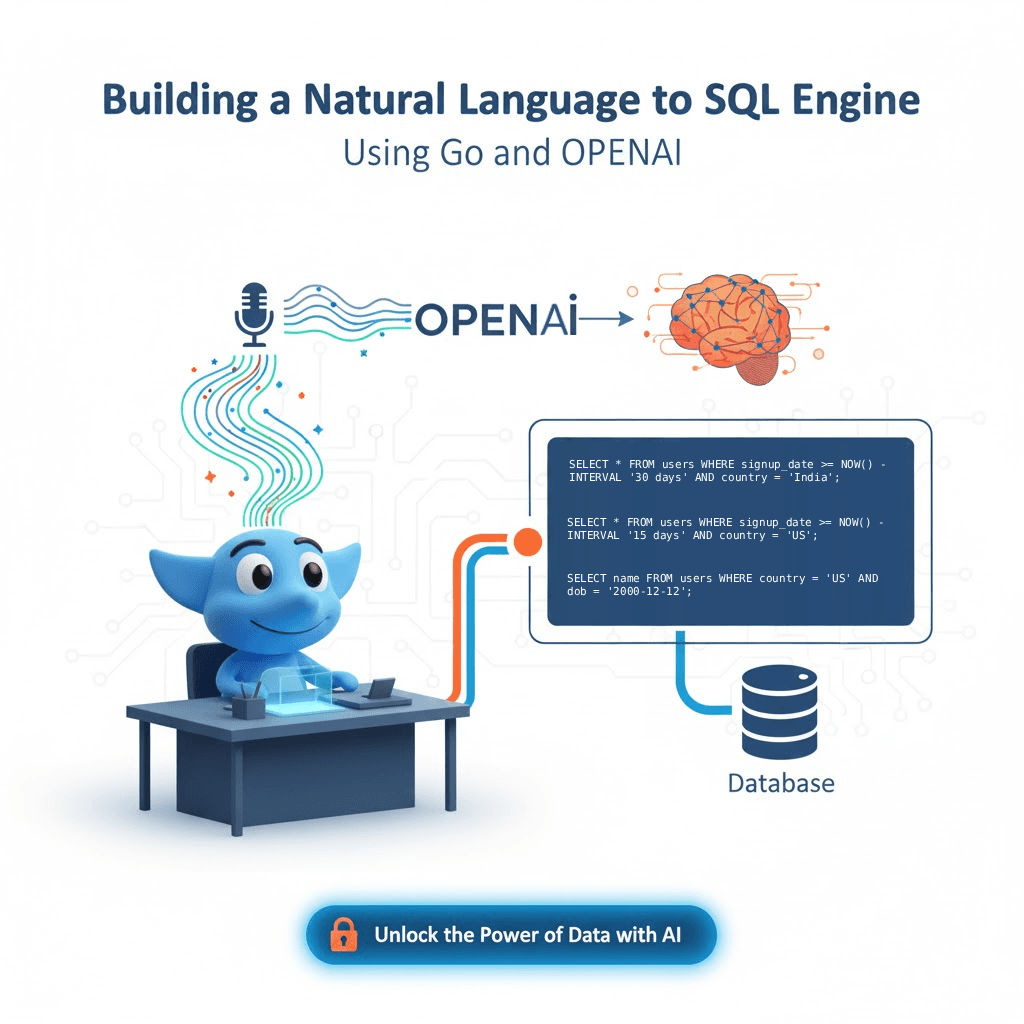
Building a Natural Language to SQL Engine Using Go and OpenAI
Introduction
What if non-technical users could query a database as easily as chatting with ChatGPT?
Imagine this:
You type,
“Show me all users who signed up last month from India.”
…and your app instantly generates this:
SELECT * FROM users WHERE signup_date >= NOW() - INTERVAL '30 days' AND country = 'India';
Sounds futuristic? Not anymore.
In this blog, we’ll build a Natural Language to SQL (NL2SQL) engine using Golang and OpenAI, so you can turn plain English into precise SQL queries.
Why Natural Language to SQL?
Data is everywhere, but writing SQL queries is still a barrier for many. Business teams, analysts, and even developers sometimes just want quick answers, without memorizing complex JOINs and WHERE clauses.
By combining Go’s performance with OpenAI’s language understanding, you can empower users to “talk” to their database naturally.
What You’ll Learn
In this guide, you’ll learn how to:
-
Integrate OpenAI models into a Go backend
-
Convert human text into valid SQL queries
-
Build an API endpoint for frontend or CLI integration
-
Add basic validation and security
-
Extend it into a production-ready intelligent query assistant
Prerequisites
You’ll need:
-
Go installed (
1.21+) -
A free OpenAI API key
-
Basic understanding of REST APIs and JSON
Let’s get started.
Step 1: Project Setup
Create a new project folder and initialize Go modules:
mkdir go-nl2sql cd go-nl2sql go mod init go-nl2sql
Install dependencies:
go get github.com/gin-gonic/gin go get github.com/sashabaranov/go-openai
Your folder structure should look like this:
go-nl2sql/ ├── main.go └── .env
In your .env, add:
OPENAI_API_KEY=your_api_key_here
Step 2: Connecting to OpenAI
Let’s create a helper function to generate SQL from natural language using the OpenAI API.
package main import ( \"context\" \"fmt\" \"log\" \"os\" openai \"github.com/sashabaranov/go-openai\" ) func generateSQL(prompt string) string { client := openai.NewClient(os.Getenv(\"OPENAI_API_KEY\")) resp, err := client.CreateChatCompletion( context.Background(), openai.ChatCompletionRequest{ Model: openai.GPT4Turbo, Messages: []openai.ChatCompletionMessage{ { Role: openai.ChatMessageRoleSystem, Content: \"You are an assistant that converts natural language to SQL queries for a PostgreSQL database.\", }, { Role: openai.ChatMessageRoleUser, Content: prompt, }, }, }, ) if err != nil { log.Fatalf(\"Error generating SQL: %v\", err) } return resp.Choices[0].Message.Content }
This function sends a user’s query (like “Show all orders over $100”) to OpenAI and returns an SQL statement.
Step 3: Building the API Endpoint
We’ll create a simple REST API using Gin where users can send natural queries and receive SQL.
package main import ( \"github.com/gin-gonic/gin\" \"net/http\" ) func main() { r := gin.Default() r.POST(\"/generate-sql\", func(c *gin.Context) { var body struct { Query string json:\"query\" } if err := c.BindJSON(&body); err != nil { c.JSON(http.StatusBadRequest, gin.H{\"error\": \"Invalid request\"}) return } sql := generateSQL(body.Query) c.JSON(http.StatusOK, gin.H{\"sql_query\": sql}) }) r.Run(\":8080\") }
Run it:
go run main.go
Your API is now live on http://localhost:8080/generate-sql.
Step 4: Example in Action
Request:
{ \"query\": \"Show me all orders placed in the last 7 days with total price above $100\" }
Response:
{ \"sql_query\": \"SELECT * FROM orders WHERE order_date >= NOW() - INTERVAL '7 days' AND total_price > 100;\" }
Magic.
You just spoke to your database.
Step 5: Securing the SQL Queries
Never execute the model’s SQL directly on production databases.
To make it safer:
-
Only allow
SELECTstatements. -
Parse queries before running them.
-
Maintain a whitelist of allowed tables and columns.
-
Use a read-only replica or a sandboxed database.
Example validation:
if !strings.HasPrefix(strings.ToUpper(sql), \"SELECT\") { log.Println(\"Blocked non-read query.\") }
Step 6: Enhancements
You can supercharge your project by:
-
- Adding a React frontend for natural query input
-
- Including database schema context in the prompt for accurate generation
-
- Using embeddings to handle synonyms (e.g., clients = users)
-
- Logging queries for analytics and fine-tuning
You could even turn this into a chat-based analytics dashboard, think of it as your own “ChatGPT for databases.”
Real-World Applications
-
Business Intelligence Dashboards – Query data conversationally
-
Internal Tools – Enable non-dev teams to extract insights
-
Developer Assistants – Auto-generate boilerplate SQL
-
Database Exploration Tools – Quickly inspect new schemas
Conclusion
By integrating Go’s simplicity and concurrency with OpenAI’s natural language power, you’ve built something truly futuristic, an AI SQL translator that understands humans and databases.
This project is a strong foundation for AI-driven analytics platforms, internal tools, and no-code dashboards.
Final Thoughts
Natural Language to SQL is more than a fun experiment, it’s a glimpse into how AI can democratize data access.
Start small. Add your schema context. Let users ask your data anything.
Because the future of data querying isn’t about writing SQL…
…it’s about talking to your database.